Acumatica
Gold Certified Acumatica Construction ERP Partner

Acumatica Construction Edition implementation for contractors

Native job cost, committed cost, WIP, retainage, AIA progress billing and certified payroll, configured by a partner that has led 100+ ERP implementations and stays accountable after go-live.

100+ERP implementations led
GoldCertified Acumatica partner
Same teamFrom scoping through support
Verified by AcumaticaThree partner certifications
Acumatica Gold Certified VAR partnerAcumatica Construction Certified VAR partnerAcumatica ISV partner
The definition

What is Acumatica Construction Edition?

A cloud ERP built around project accounting rather than general accounting. Job cost, committed cost, WIP, retainage, AIA progress billing, certified payroll and equipment costing are native functions, not add-ons. It is licensed on consumption rather than per user, so putting the entire field crew on the system costs nothing extra.

We also deliver Odoo, so we have no reason to push Acumatica onto a business it doesn’t fit. If you run on inventory rather than projects, we’ll tell you.

Key takeaways
  • Project accounting is native: job cost, WIP, retainage, AIA billing, certified payroll.
  • Consumption-based licensing, not per user. The whole field can have access.
  • True cloud. No servers, no upgrade weekends, no VPN.
  • Open API, so Procore, estimating and field tools integrate rather than duplicate.
  • Best fit: $25M to $250M contractors and project-based firms.
The four-part test

If a platform can’t do these natively, it isn’t a construction system.

  1. 01Produce a G702/G703 application for paymentFrom the schedule of values, not an Excel template.
  2. 02Track retainage on both sidesReceivable and payable, on the ledger.
  3. 03Generate certified payrollFrom the same time data that ran payroll.
  4. 04Show cost-to-complete in progressOn a running job, without an export.
Who we implement Acumatica for

One construction ERP, configured three different ways.

The platform is the same. How it gets set up depends on how your work gets billed, staffed and costed.

General and specialty contractors
Commercial & specialtyGeneral and specialty contractorsAIA progress billing, retainage on both sides and committed cost from every subcontract and PO.
Utility and civil crews
Utility & infrastructureUtility and civil crewsCrew time, equipment hours and quantities coded to the job from the field, with certified payroll from the same data.
Service and telecom teams
Field service & telecomService and telecom teamsService orders, project work and recurring revenue on one ledger, so margin is visible by job and by customer.
What to test in a demo

Six features that decide the evaluation

These are the ones that cost real money when a construction ERP gets them wrong.

  1. Job costCost visibility while the job is running

    Actual, committed and cost-to-complete on one screen.

  2. BillingAIA progress billing, natively

    G702/G703 from the schedule of values, with retainage and change orders carried through.

  3. PayrollCertified and prevailing wage

    Generated from the payroll run, including union fringes and multi-state tax.

  4. FieldTime and production at the source

    Crew time, equipment hours and quantities coded to the job from a phone.

  5. EquipmentEvery hour charged to the job

    Ownership and operating cost allocated by usage, not buried in overhead.

  6. ReportingWIP the bank and surety accept

    Over- and underbillings from the ledger, with Velixo for the Excel crowd.

Watch: project margins in real time with Acumatica 26R1

Rob Griffin and Aimee Morgan walk through the new Project Status Report and 360° Dashboard in Acumatica Construction Edition.

  • Project margins monitored as the work happens, not after close
  • Cost projections and budget performance on one screen
  • Underbilling surfaced before it becomes lost cash
  • No spreadsheets between the PM, the executive and finance
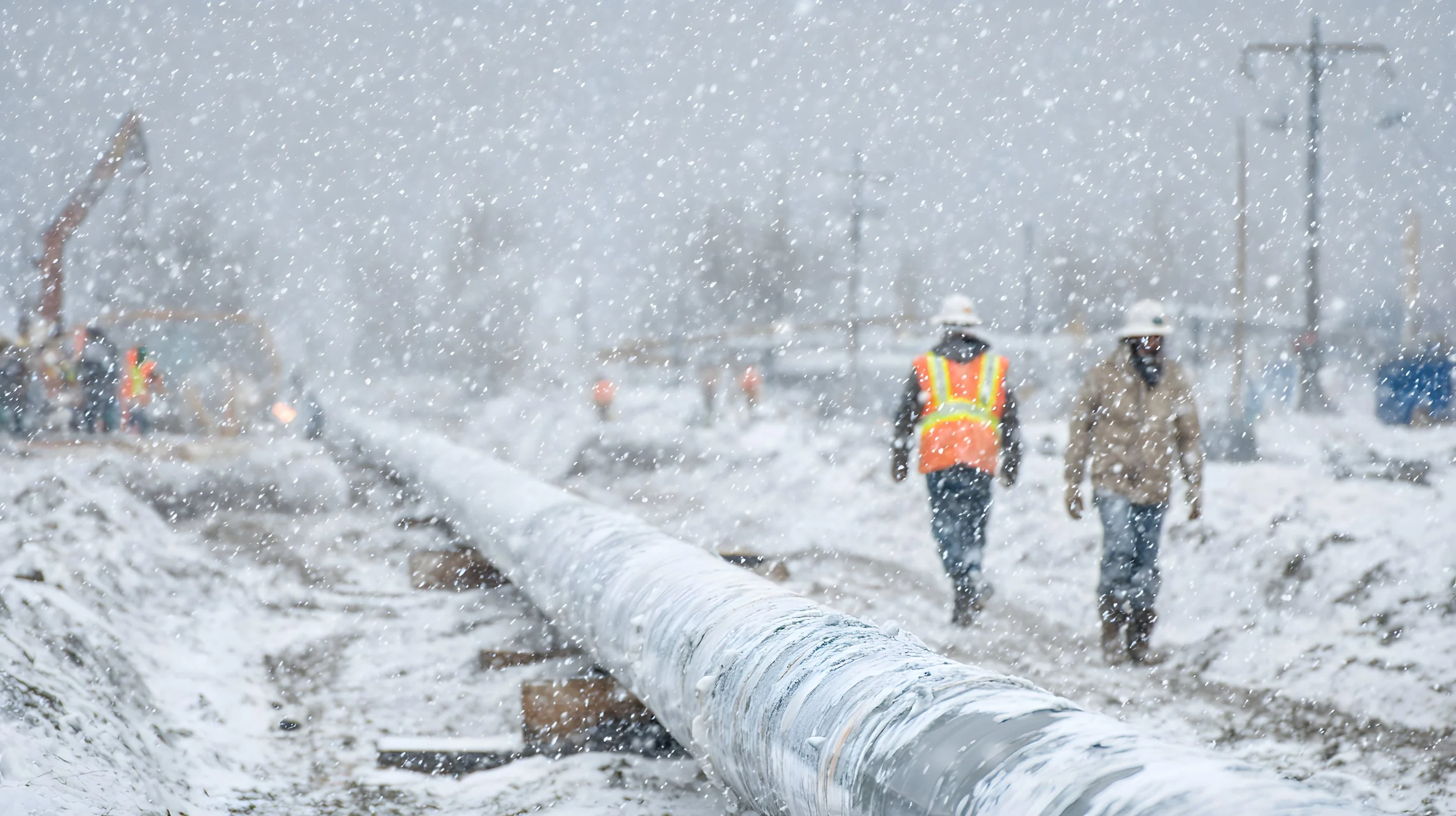
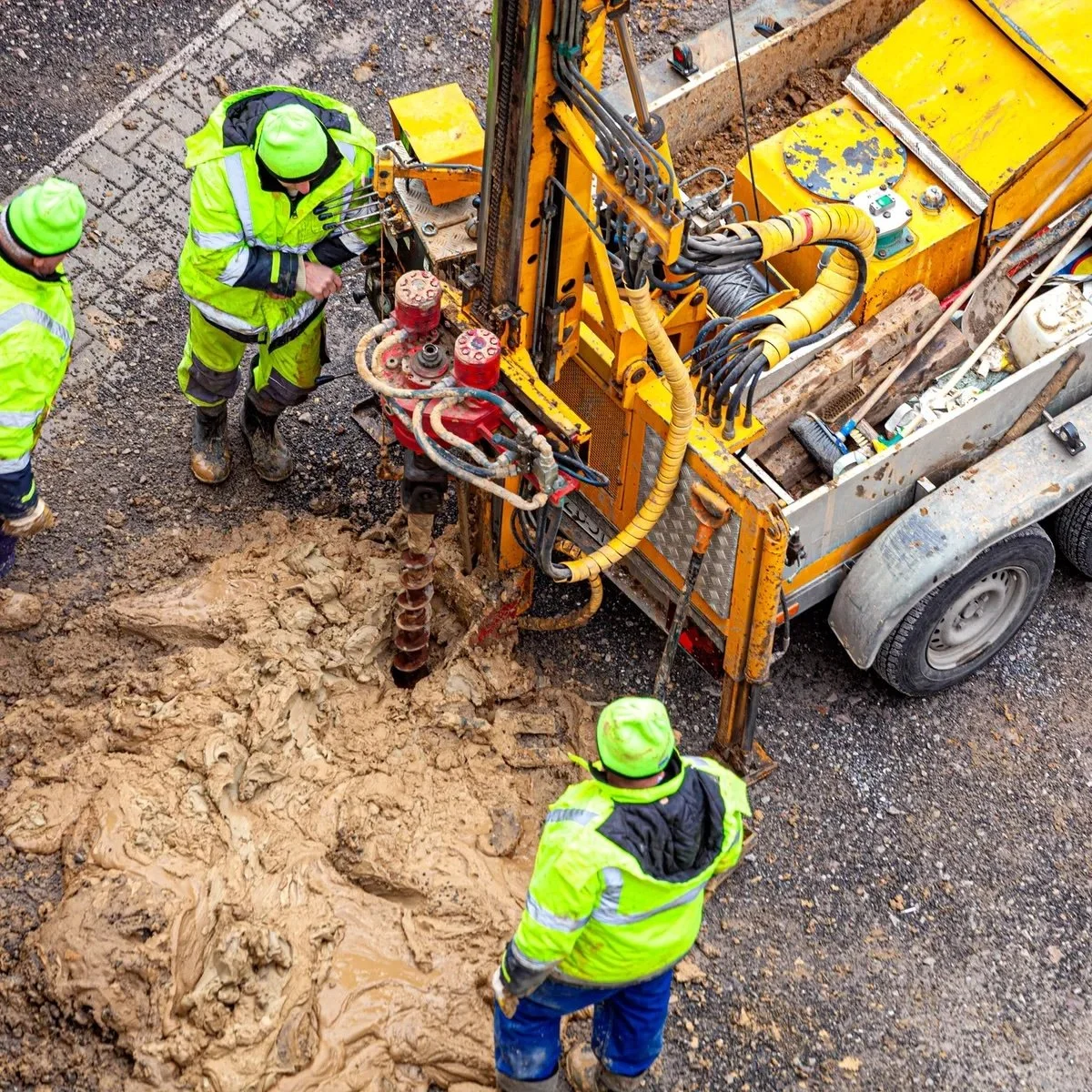
Utility contractor crew working a pipeline in winter conditions

Acumatica for field crews and jobsite teams

A configuration that satisfies the software vendor and fails the foreman is not a success. We design for the jobsite, the truck and the Tuesday morning WIP meeting, not for the demo.

Acumatica integrations: Procore, Velixo and Agave

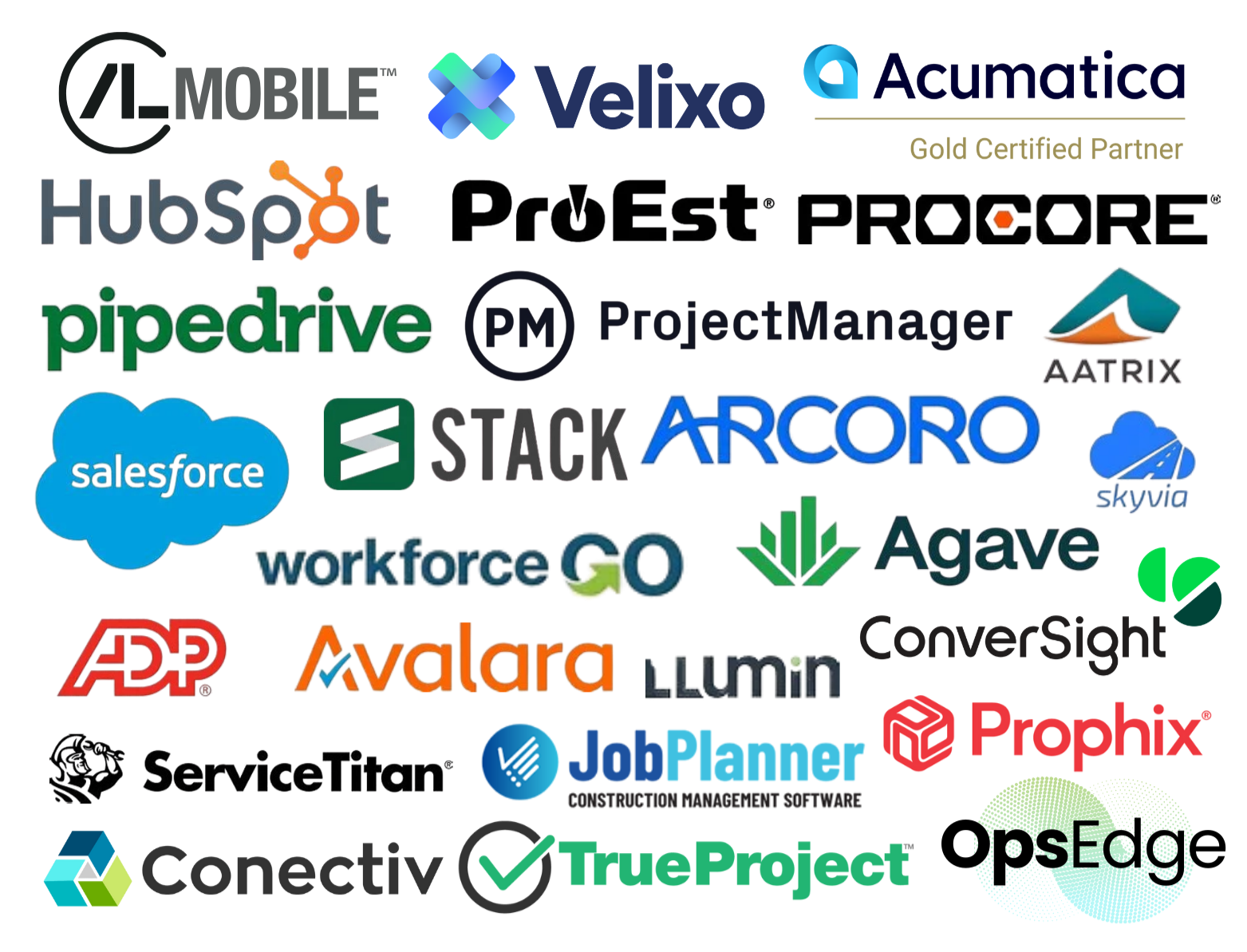
Acumatica is the financial and project core. Around it we integrate the tools your team already knows and will not give up: Procore for estimating, takeoff, project management, safety and field operations; Velixo for Excel-native financial and project reporting; Agave to connect Procore and Acumatica; and custom integrations where nothing off the shelf fits.

That is the shape of the GCATS implementation: Acumatica Construction Management for financials, projects, equipment and reporting, with the estimating and field layer integrated rather than replaced. The point was never to consolidate onto one vendor. The point was to stop re-keying data between systems.

We handle the integration, data mapping, workflow automation, testing and training, so the ERP becomes the hub that every part of the business writes to once.

Software platforms Dominate Solutions integrates with Acumatica

Procore

Estimating, takeoff, budgets, project management, safety and field operations.

Velixo

Live Acumatica data inside Excel for financial and project reporting.

Agave

Integration layer connecting Procore and Acumatica without hand-built plumbing.

Custom development

Schedulers, migrations and field tools built against the Acumatica API when nothing off the shelf fits.

What clients say about the Acumatica work

Three contractors, three different reasons the system had to change.

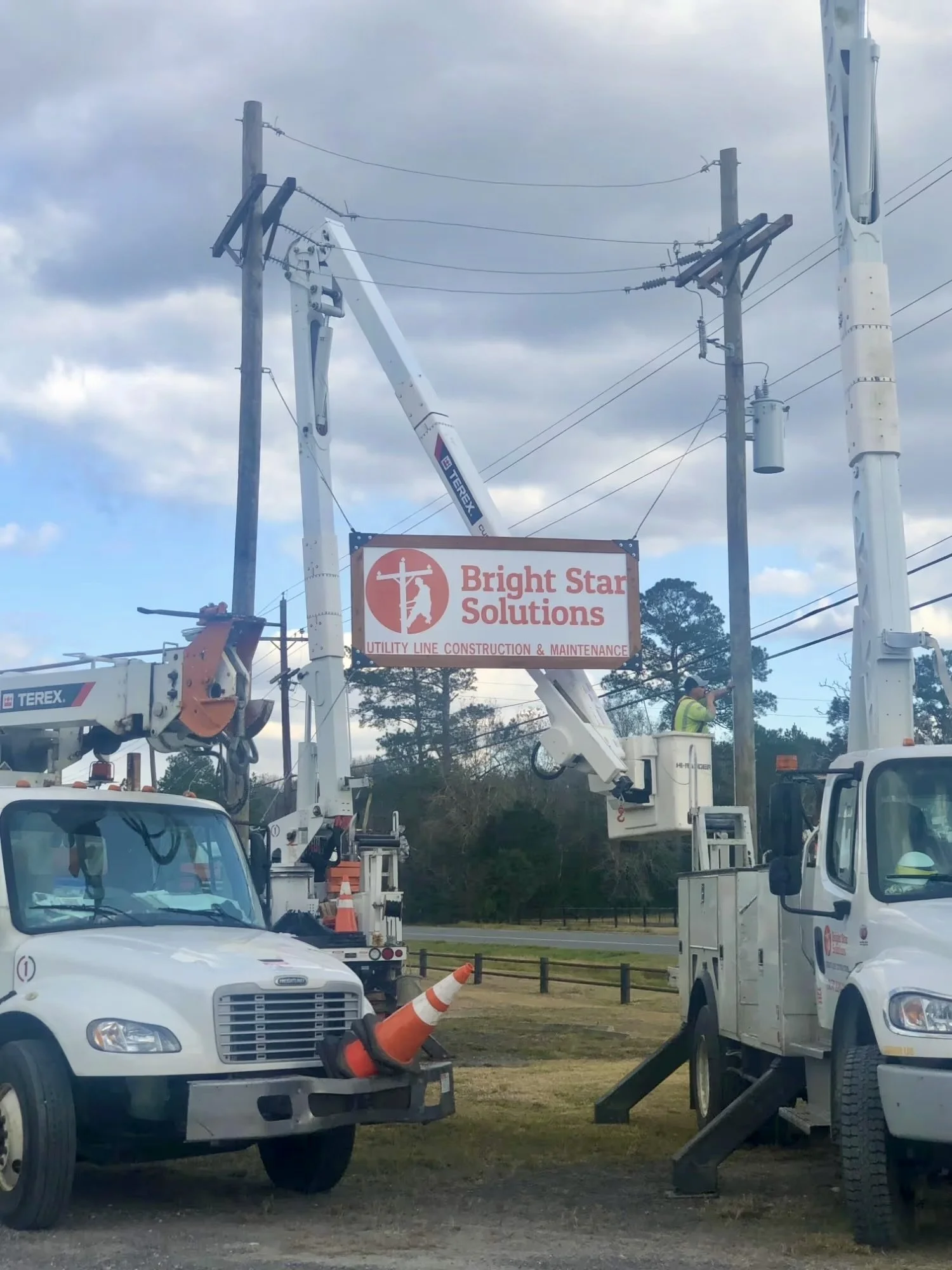
Crew installing the Bright Star Solutions sign from a bucket lift
“What sets Dominate Solutions apart was the level of effort and understanding. Instead of a generic demo, they used our actual data and showed us what the system could do for our business.”
Todd H., VP
Bright Star Solutions
Read the full story →
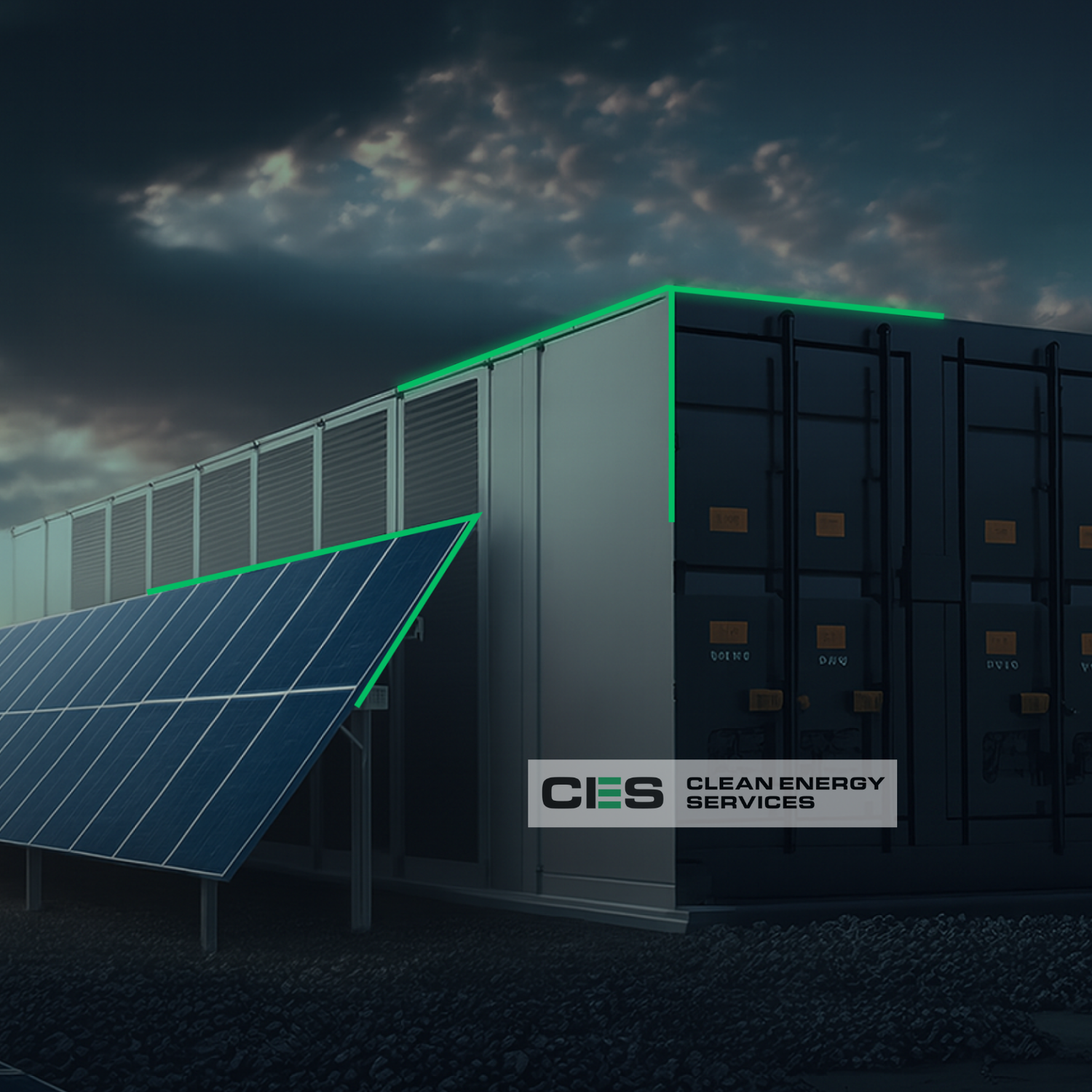
Clean Energy Services building with solar panels out front
“We were able to scale with confidence, knowing we had the right system and the right partner.”
Julietta Playan, MSA, Controller
Clean Energy Services
Read the full story →
Drywall Interiors project
“Before switching, we were relying on an out-dated legacy ERP and Excel to manage our projects, which made it extremely difficult to analyze project margins, revenues, and costs accurately.”
DJ Williams, Controller
Drywall Interiors
Read the full story →

Acumatica questions we get every week

Including the ones the answer does not flatter us on.

How much does Acumatica Construction Edition cost?

Acumatica prices on consumption (the modules you license and the transaction volume you run) rather than per user, so the number depends on scope rather than headcount. That is the structural difference worth understanding before you compare quotes: a per-user platform that looks cheaper on the license line often is not, once you have put fifty field people on it. Implementation is quoted separately, and we scope data migration separately again, because nobody can honestly price the cleanup of data they have not seen.

Does Acumatica handle AIA progress billing and retainage?

Yes, natively. G702/G703 applications for payment generate from the schedule of values with stored materials and change orders carried through, and retainage is tracked on both receivables and payables rather than in a side spreadsheet. This is the single most common reason a commercial contractor rules out a platform, so it is worth confirming early in any evaluation, including with vendors who claim construction support.

Can Acumatica run on premise?

It can, with the right infrastructure. We rarely recommend it. On premise means someone on your staff owns patching, backups, disaster recovery and security for a system the business cannot operate without, and that person has to be genuinely good at security, not merely willing. The cloud deployment removes the servers, the upgrade weekends and the VPN, and for most mid-market contractors that is the entire point of moving.

Does Acumatica integrate with Procore?

Yes, commonly through Agave, which handles the connection between the two without hand-built plumbing. Most of our clients keep Procore for estimating, takeoff, project management, safety and field operations, and run Acumatica as the financial and project accounting core. Keeping both is usually the right answer; the objective is to stop re-keying between them, not to consolidate for its own sake.

Is Acumatica good for field service?

For contractors whose work is primarily project-based with a service arm, yes. Dispatch, work orders, technician scheduling and preventive maintenance all run against the same job cost data as the rest of the business. For service-led operations we tailor the workflow to how dispatchers actually work, and where a lighter approach fits better we will say so. Getting this right is a design question, and it is one we have solved repeatedly.

How long does an Acumatica implementation take?

Four to nine months for most mid-market construction implementations. The range is set by data condition and internal availability rather than by the software. Unapplied cash, out-of-balance subledgers and job cost history that was never reconciled are what move the date, which is why the first thing we do is look at the data, not the requirements.

Why committed cost changes job cost

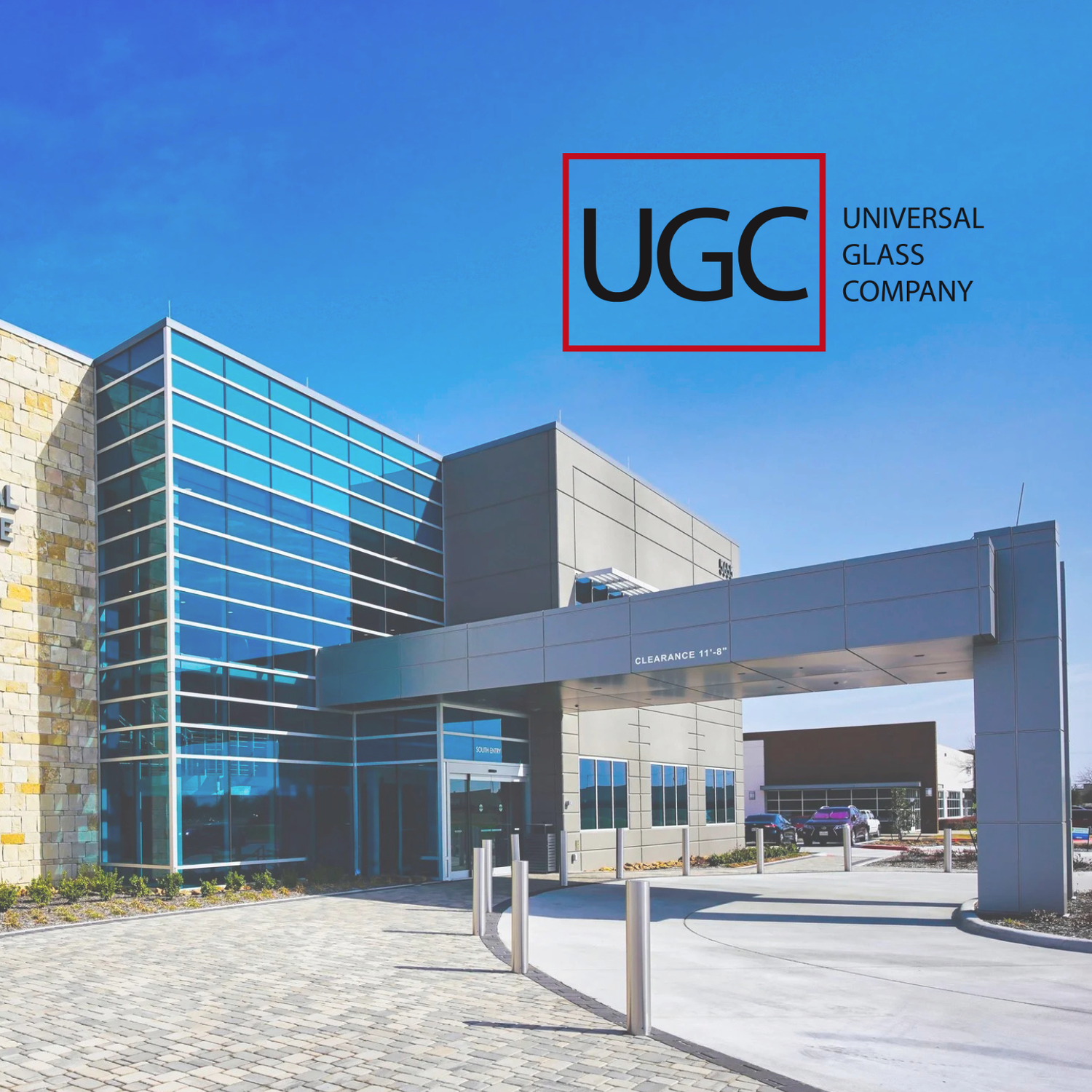
Most job cost problems aren’t caused by a mistake. They happen because costs start moving long before invoices arrive: materials get ordered, commitments get made, work gets planned. For Universal Glass, the change came when job cost reflected what had been committed, not just what had been billed.

  • Committed cost shown alongside actuals
  • Problems visible early, while there is still time to act
  • Job cost as a tool, not an after-the-fact report
1aThe other side